All comparisons

BoxLab vs Die Cut Templates

Die Cut Templates is the closest tool to BoxLab: sized dielines, a 3D mockup editor and nesting in the browser. Its 37,000+ dielines are mostly one style counted in every variation: 35,249 of them are tuck end boxes. BoxLab gives you 1,500 different templates and the sheet layout at $80 a year, against €539.90 for its plan with nesting.
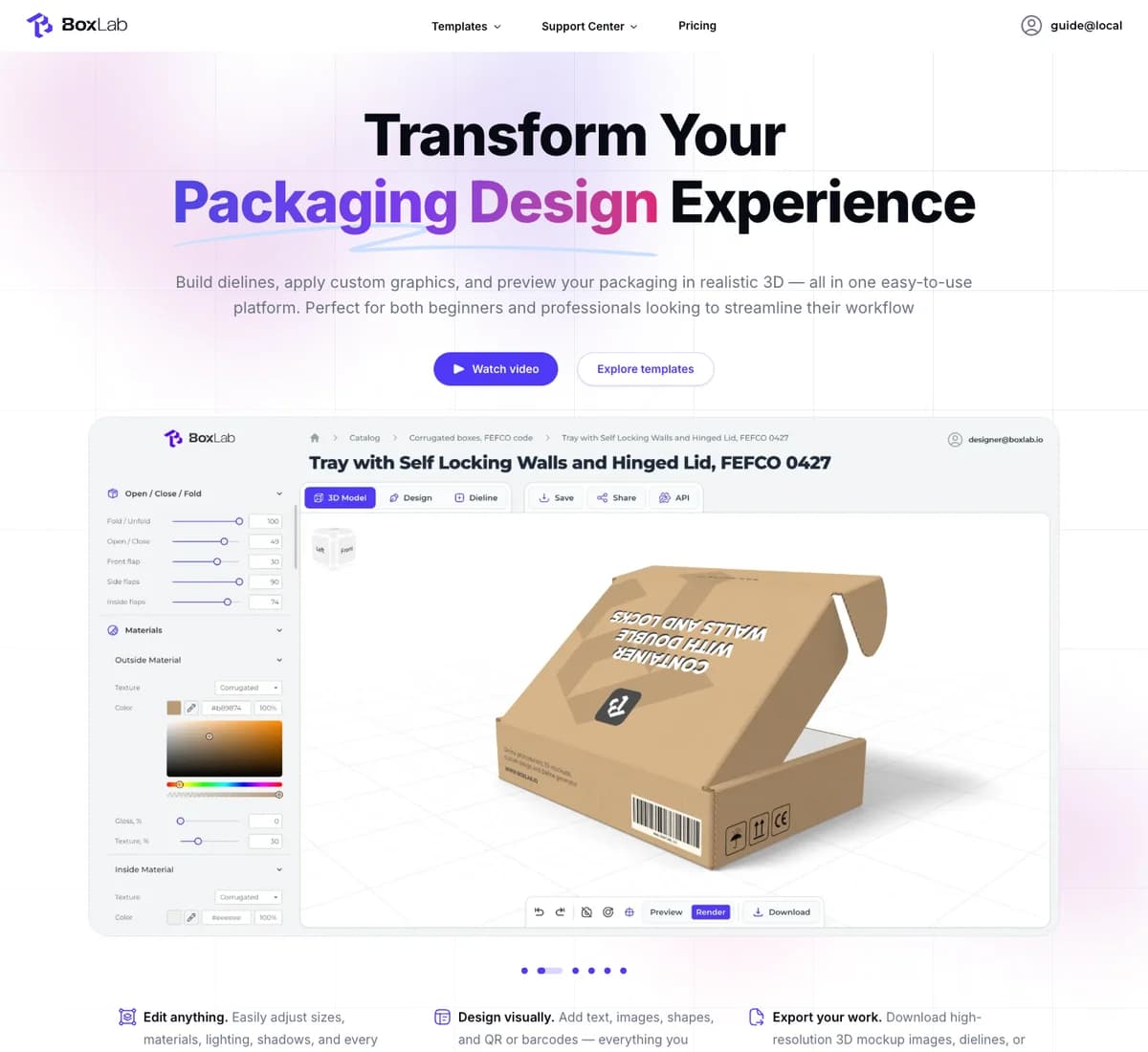
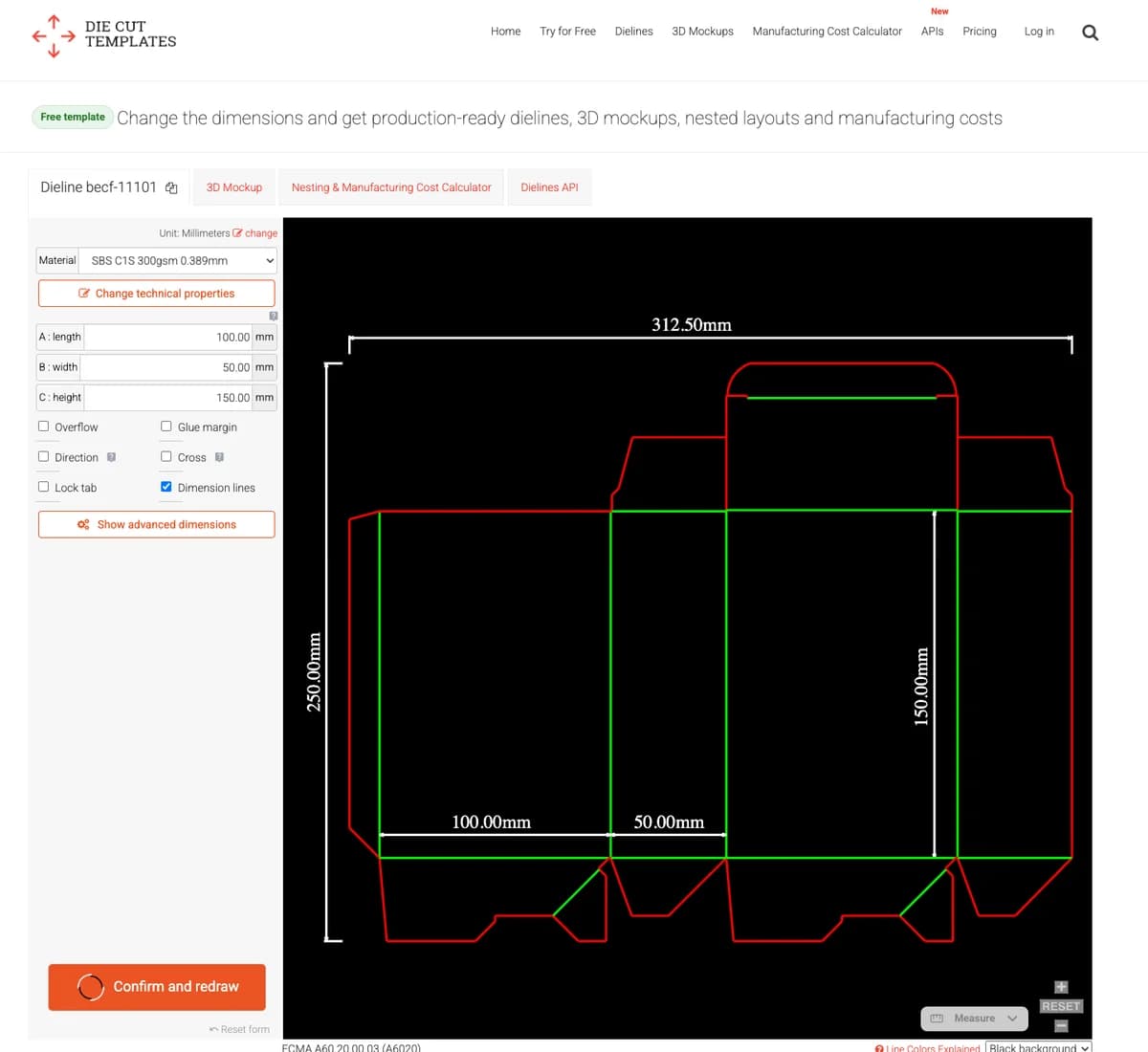
BoxLab: Its own site on November 15, 2026
BoxLab. Its own site on November 15, 2026
Die Cut Templates: Its own site on November 15, 2026
Die Cut Templates. Its own site on November 15, 2026
BoxLab Pricing
$80a year

Full access for a year, with a free plan to start on.

Die Cut Templates Pricing
€539.90a year

Business plan, the one with nesting and the cost calculator. Starter, without them, is €269.90 a year; Business Plus is €899.90 a year. Credit packs are sold as well.

About 1,500 templates, each counted once

A different flap or lock is a setting inside one template, so 1,500 templates are 1,500 different constructions.

Check the count

37,000+ dielines: 94% are one style, the tuck end box

Its own catalogue puts 35,249 of them in a single group, tuck end boxes, and another 1,396 in snap lock boxes; the cards in a group look the same and differ in one flap or lock. All the other carton, corrugated and hard cardboard groups add up to about 730 dielines. diecuttemplates.com/dielines
Ease of use
BoxLab:In the browser, from a ready style: sizes, design and the 3D box on one page, with nothing else to learn or install.
Die Cut Templates:In the browser, from ready templates, with the design and the 3D mockup in the same tool.
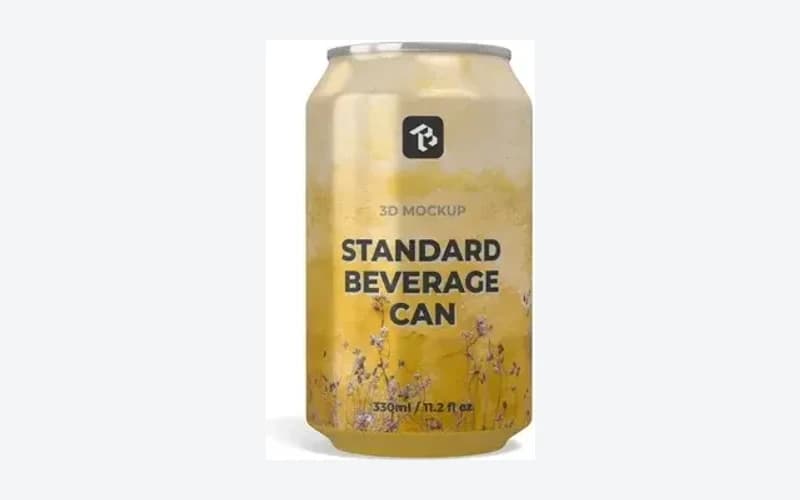
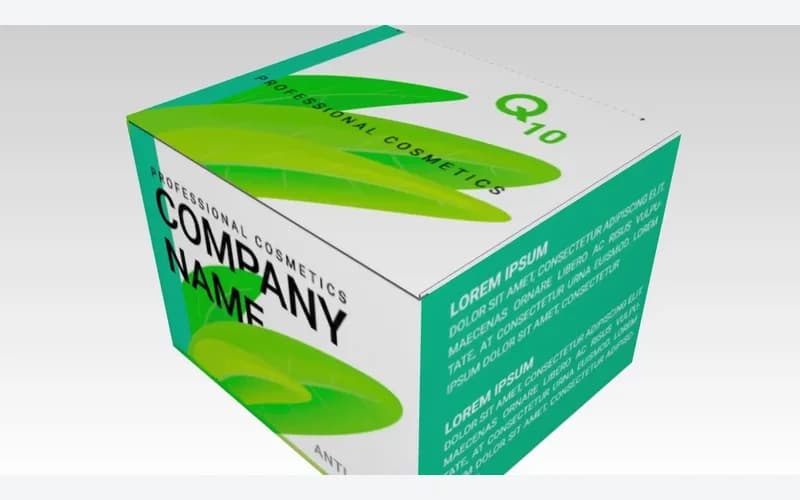
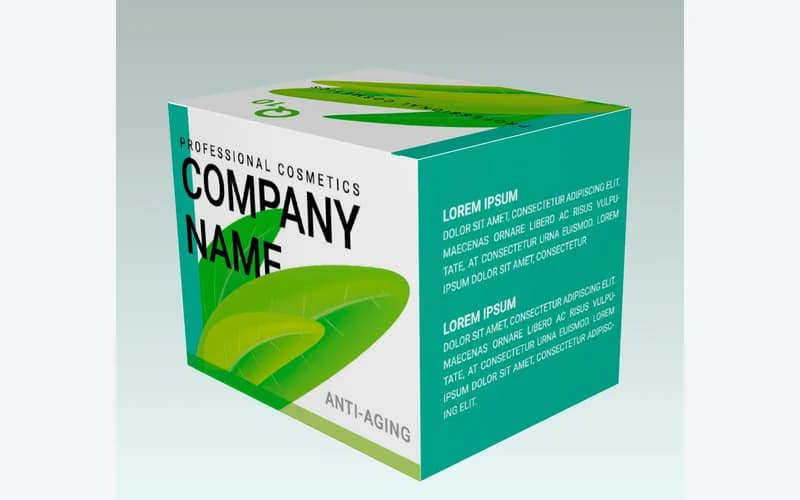
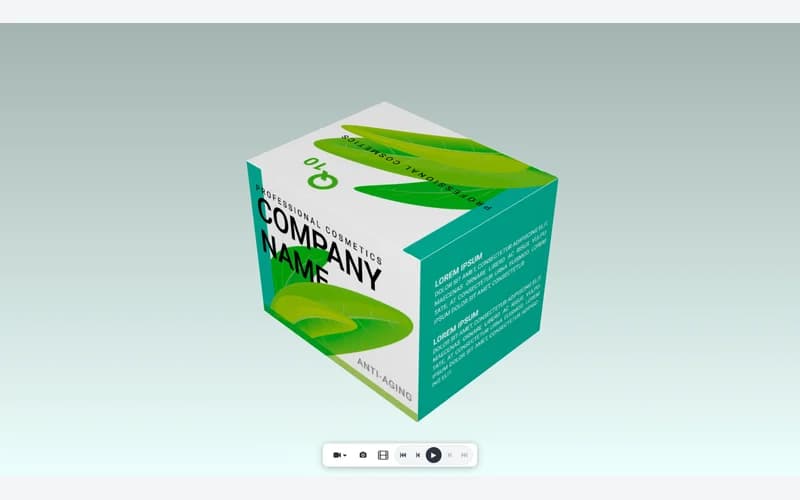
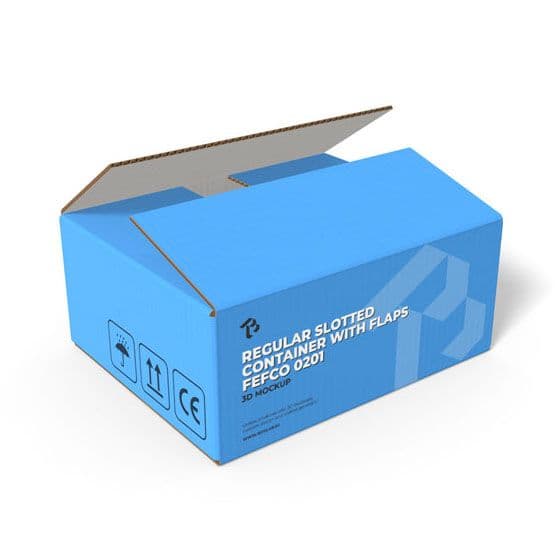
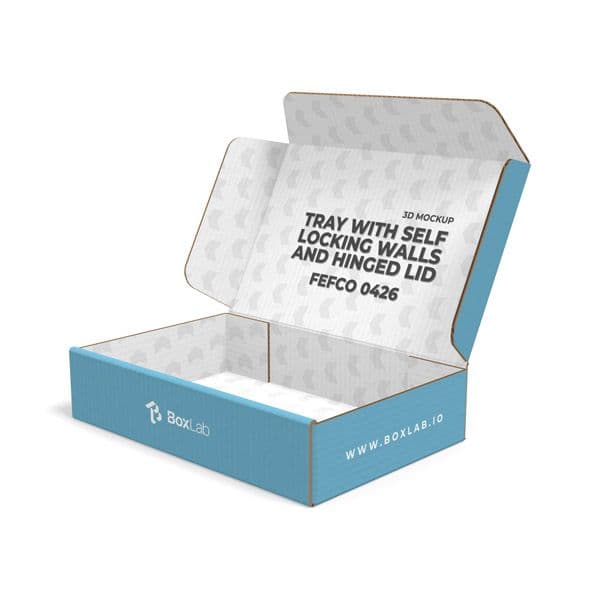
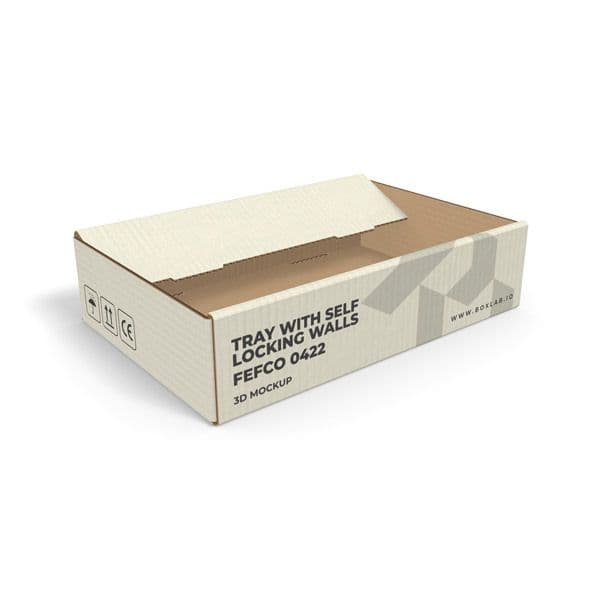
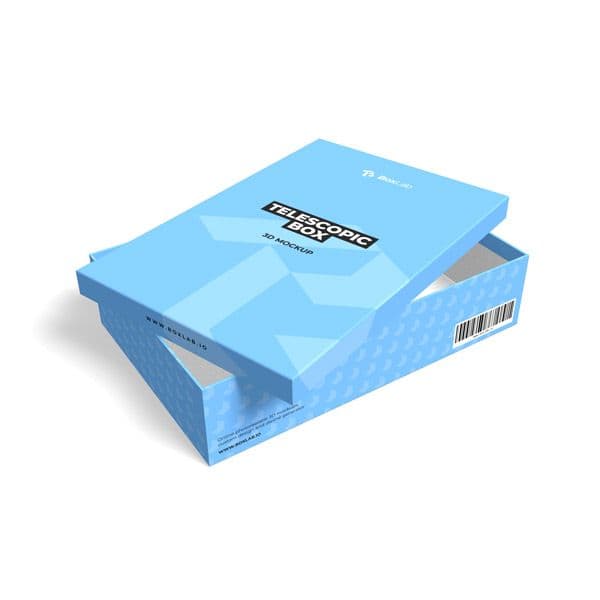
Render quality
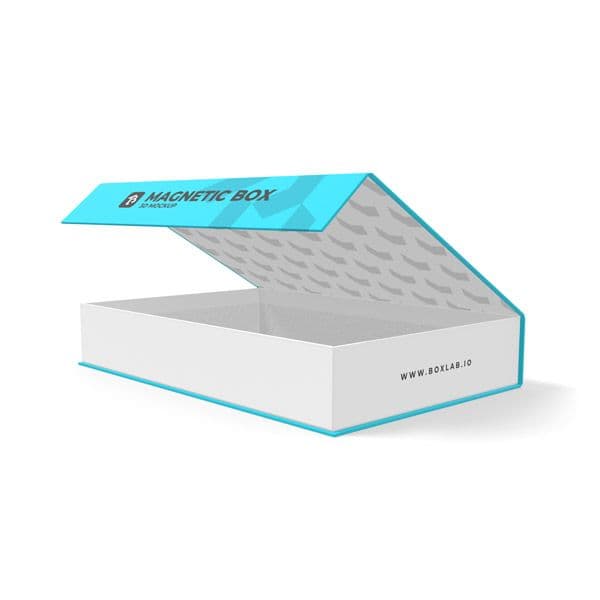
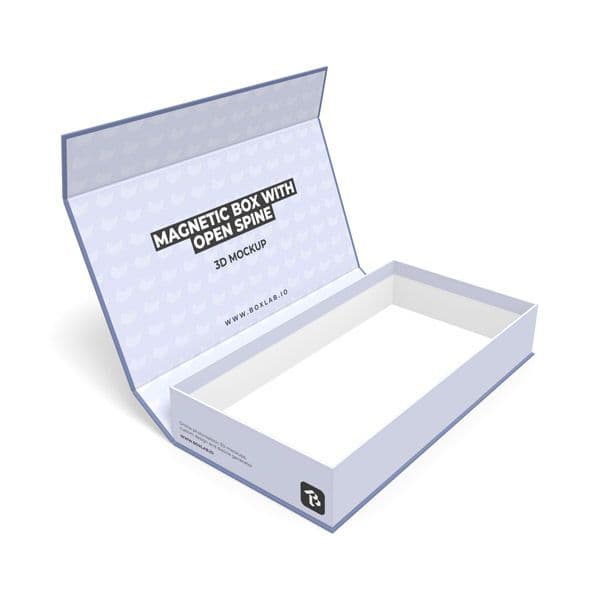
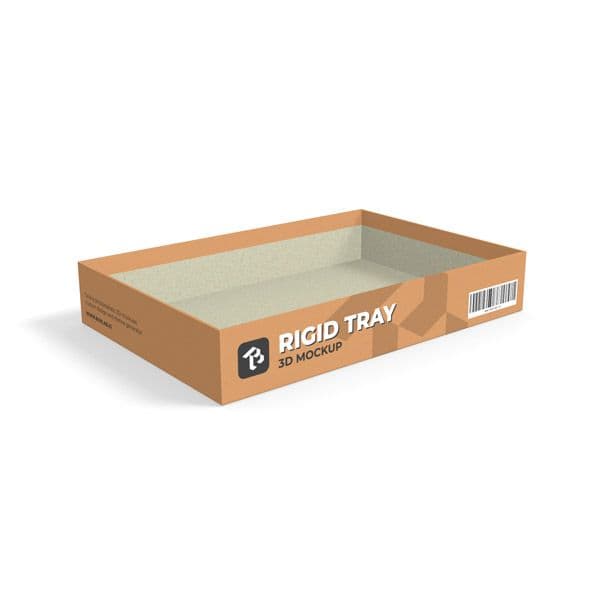
BoxLab:
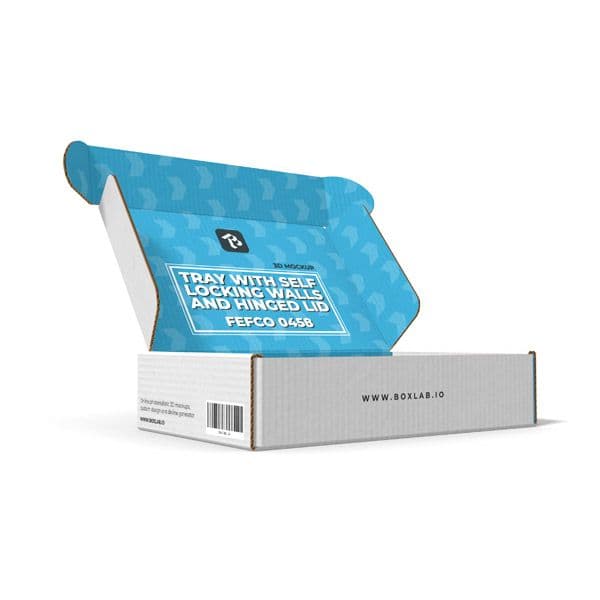
BoxLab render 1
BoxLab render 2
BoxLab render 3
Die Cut Templates:
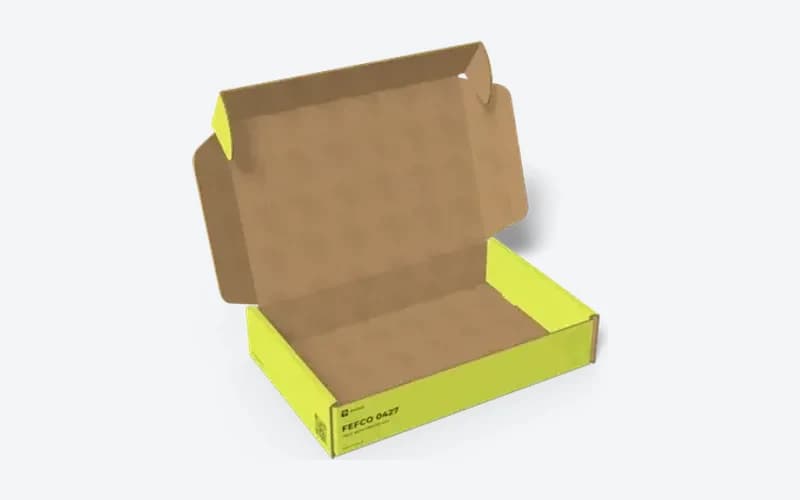
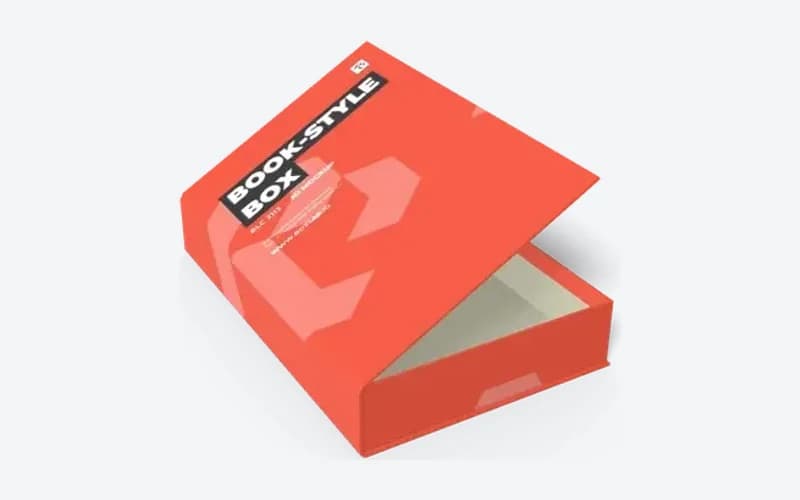
Die Cut Templates render 1
Die Cut Templates render 2
Die Cut Templates render 3
What it is
BoxLab:Online packaging editor: a dieline drawn to your sizes, a design editor and a 3D view on one page
Die Cut Templates:An online dieline collection and generator with a 3D mockup editor, nesting and a manufacturing cost calculator
Where it runs
BoxLab:In the browser, nothing to install
Die Cut Templates:In the browser, nothing to install; an Adobe Illustrator plug-in as well
Library
BoxLab:BetterAbout 1,500 templates: 320 FEFCO and 244 ECMA styles, 100 rigid boxes, 51 paper tubes, 285 plywood models, 281 printing items and 175 ready-made packs
Die Cut Templates:37,000+ by its own count, but 35,249 are tuck end boxes and 1,396 are snap lock boxes: one style listed again for each combination of flaps. Every other group together holds about 730
Standards
BoxLab:FEFCO and ECMA codes throughout; a style is found by its code
Die Cut Templates:Its own template numbers, with the ECMA or FEFCO code shown where a style has one
Your own sizes
BoxLab:Every size typed in millimeters, as inside or outside sizes; the board thickness comes from the flute or the caliper you choose
Die Cut Templates:Length, width, height and the material with its thickness, with advanced options per template
3D view
BoxLab:The folded box with your design on it, a slider that folds the blank and one for each flap, light, soft shadow and backdrop
Die Cut Templates:A 3D mockup editor: the outside and the inside designed apart, a choice of substrates, and camera moves for video
Artwork
BoxLab:Built in: text, shapes, pictures, QR codes and barcodes on both faces of the blank
Die Cut Templates:Images uploaded as PNG, JPG, SVG, PDF or WEBP, and built-in stock images
Finishes
BoxLab:Print, hot foil or UV varnish chosen for each object; foil and varnish are saved as spot colors in the PDF
Die Cut Templates:Not statedon its site
Dieline files
BoxLab:PDF, DXF and SVG at 1:1
Die Cut Templates:PDF, DXF and SVG
Pictures and film
BoxLab:PNG, JPG, WebP and layered PSD, up to 7680 px wide
Die Cut Templates:BetterSnapshot images, and MP4 video at 1080p, 4K and 8K
3D model files
BoxLab:BetterGLB, USDZ, OBJ and STL
Die Cut Templates:GLB and OBJ
Sheet layout
BoxLab:Blanks laid out on a sheet of your size, saved as PDF, DXF or SVG
Die Cut Templates:BetterNesting that fills the sheet by itself, with a manufacturing cost calculator, on the Business plan
Additional design tools
BoxLab:BetterMore than 40 extra tools in BoxLab Tools, all included in the same subscription: patterns, nesting, imposition, barcodes, PDF preflight, mockup textures and more
Die Cut Templates:A manufacturing cost calculator, included from the Business plan up; its API is priced separately
Price
BoxLab:BetterA free plan; full access at $80 a year
Die Cut Templates:Business at €539.90 a year, the plan with nesting; Starter at €269.90 without it; Business Plus at €899.90; or credit packs

Why choose BoxLab

  • You want the dieline, the design, the 3D box and the sheet layout for $80 a year, not €539.90.
  • You make rigid boxes, paper tubes, plywood models or ready-made packs.
  • You want the sheet layout included, not on a higher plan.

When Die Cut Templates is the better tool

  • You want every flap combination of a tuck end box listed as a ready template.
  • You quote jobs and want a manufacturing cost calculator.
  • You need product video, an API, or a plug-in inside Illustrator.
What is said here about Die Cut Templates, its prices included, was read on its maker’s own site on November 15, 2026: diecuttemplates.com, 3D mockups, Nesting, Pricing. Products and prices change; if something here is out of date, tell us and we will correct it. Ease of use is our own score, one star each for: nothing to install, starting from a ready template, the design placed in the same tool, your design shown in 3D there, and no CAD training expected. The render pictures are from each maker’s own site. Die Cut Templates is a trademark of Die Cut Templates; BoxLab is not affiliated with it.