BoxLab vs Templatemaker
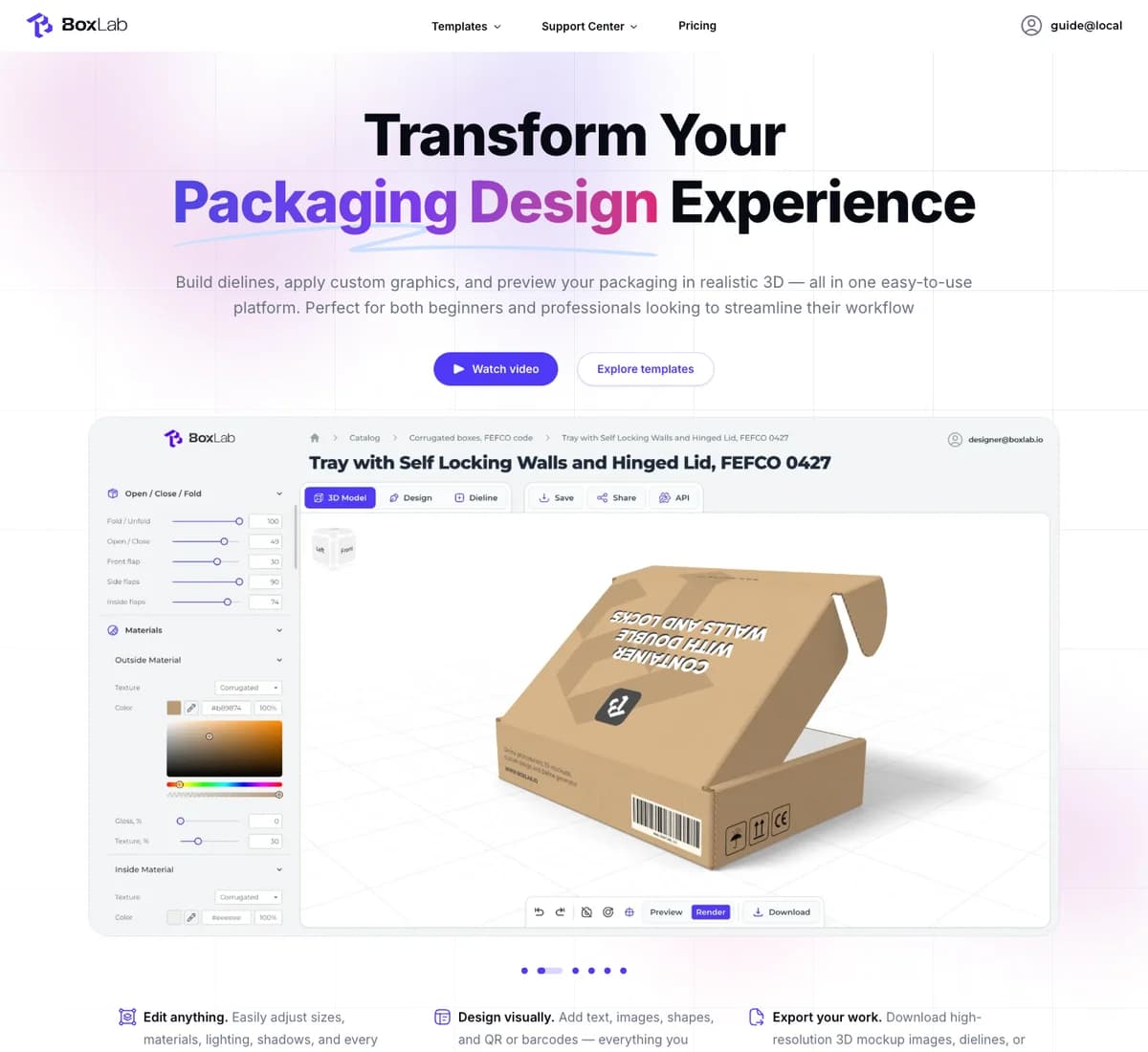
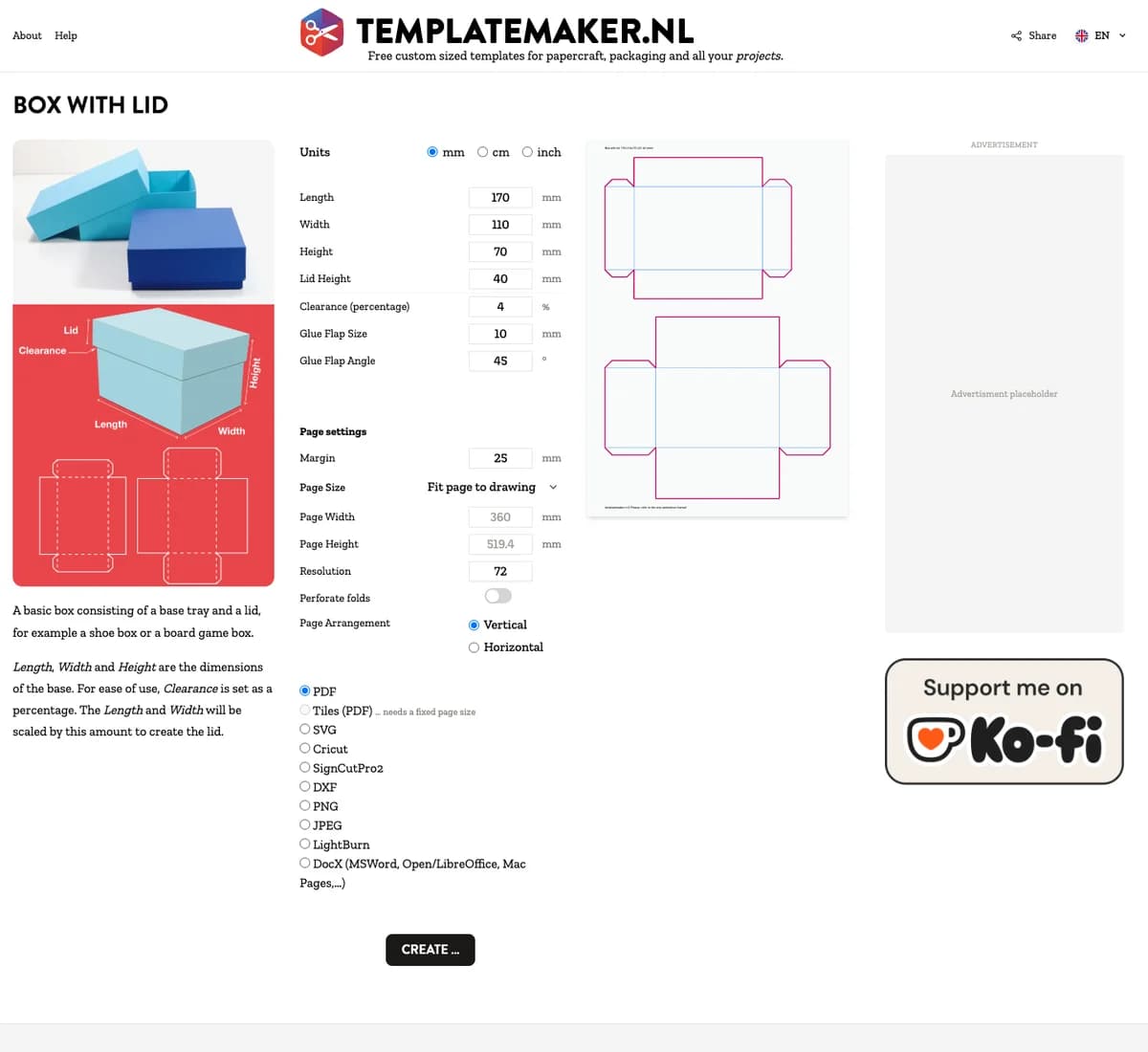
Templatemaker is a free site for papercraft nets. BoxLab is built for real packaging: 1,500 templates on the industry codes, board thickness in every panel, artwork, 3D and production files.
BoxLab
Templatemaker
BoxLab Pricing
$80a year
Full access for a year, with a free plan to start on.
Templatemaker Pricing
Free
Kept by ads and donations; no paid plan.
Ease of use
BoxLab:In the browser, from a ready style: sizes, design and the 3D box on one page, with nothing else to learn or install.
Templatemaker:In the browser and from ready templates, but there is no 3D, and the design is done elsewhere.
Render quality
BoxLab: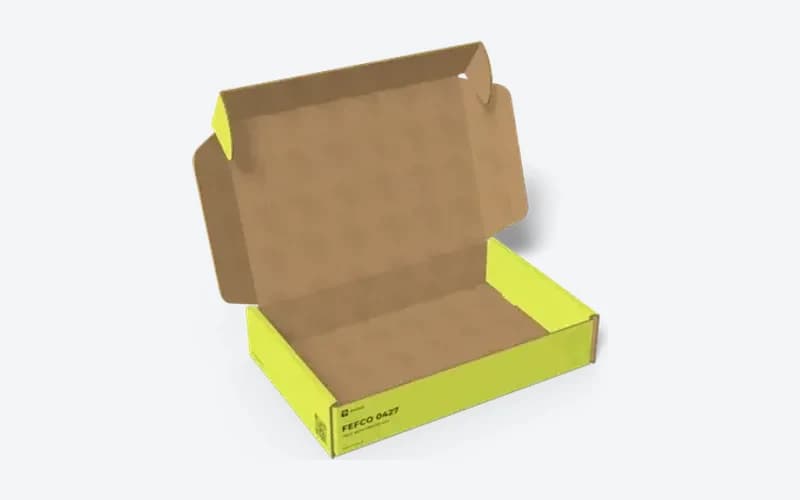
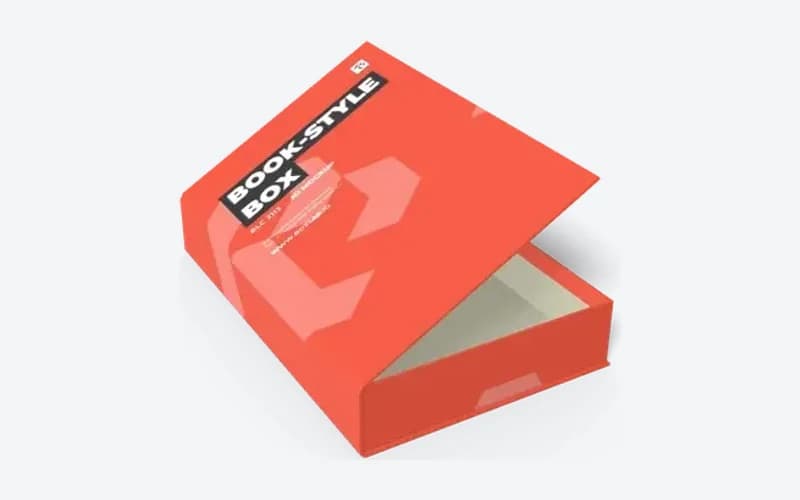
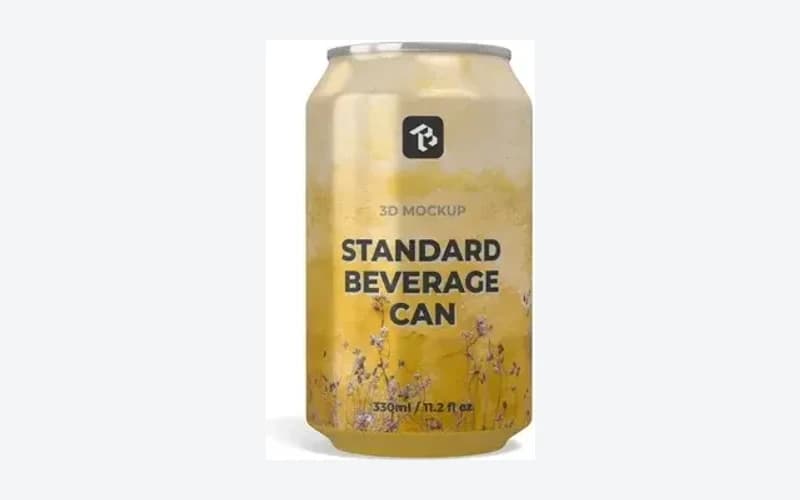
Templatemaker:No 3DIt draws flat templates only
What it is
BoxLab:Online packaging editor: a dieline drawn to your sizes, a design editor and a 3D view on one page
Templatemaker:Free custom-sized templates for papercraft, packaging and other projects
Where it runs
BoxLab:In the browser, nothing to install
Templatemaker:In the browser, without an account
Library
BoxLab:BetterAbout 1,500 templates: 320 FEFCO and 244 ECMA styles, 100 rigid boxes, 51 paper tubes, 285 plywood models, 281 printing items and 175 ready-made packs
Templatemaker:About forty templates: boxes, gift boxes, envelopes, bags, a counter display, cones, spheres and polyhedra
Standards
BoxLab:BetterFEFCO and ECMA codes throughout; a style is found by its code
Templatemaker:FEFCO and ECMA are not mentioned on its site
Your own sizes
BoxLab:BetterEvery size typed in millimeters, as inside or outside sizes; the board thickness comes from the flute or the caliper you choose
Templatemaker:Sizes in millimeters, centimeters or inches, with the size and angle of the glue flaps; material thickness is not among the settings
3D view
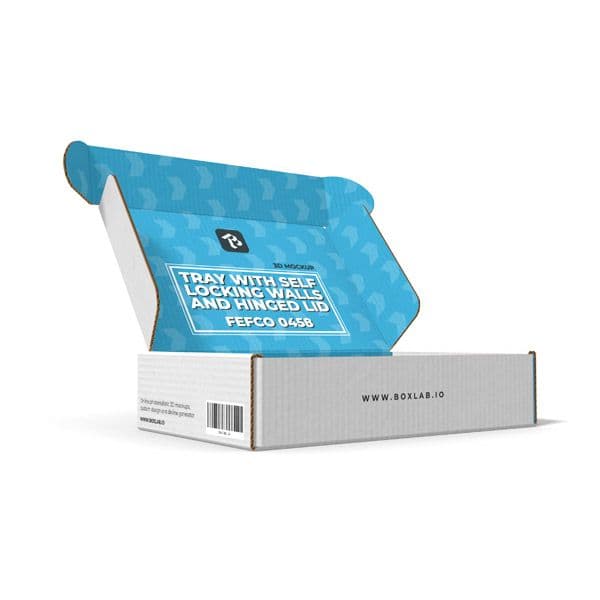
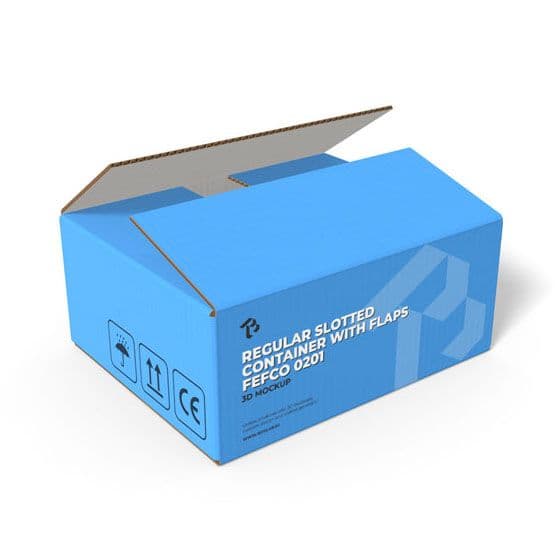
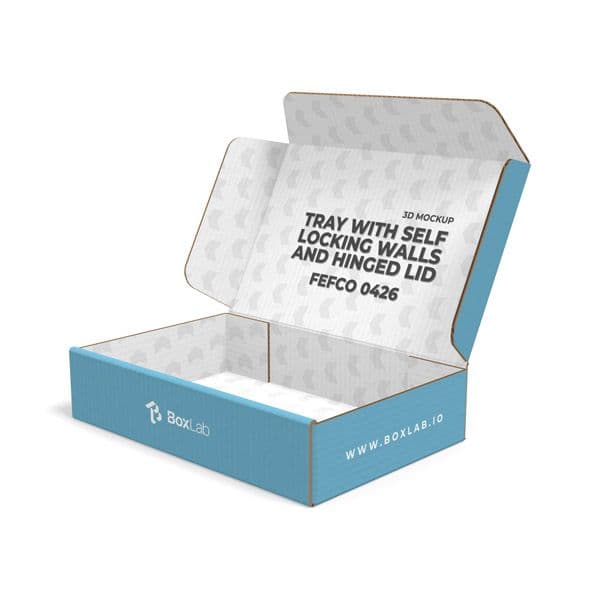
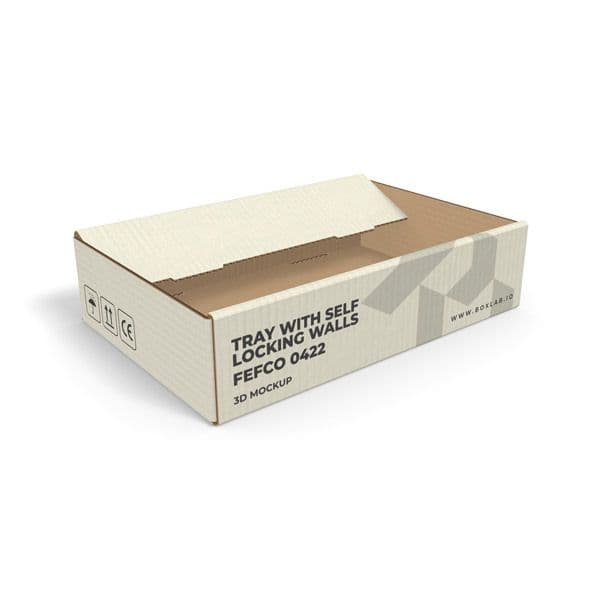
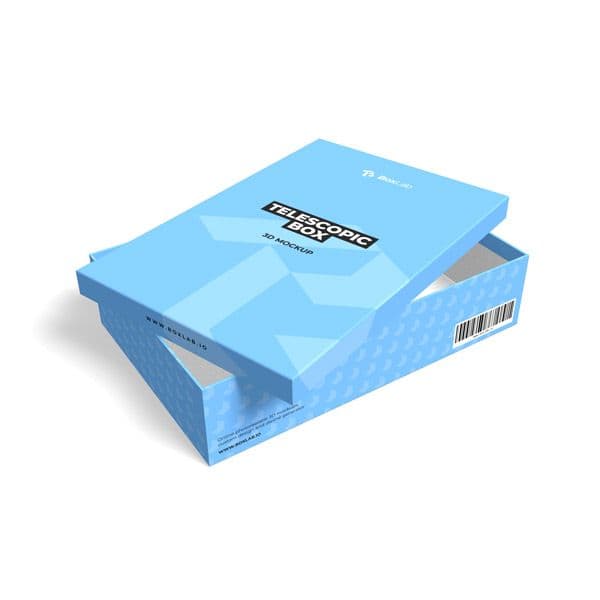
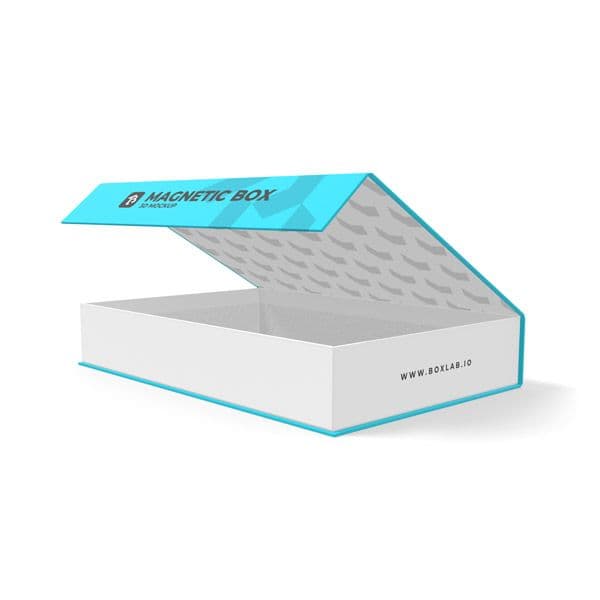
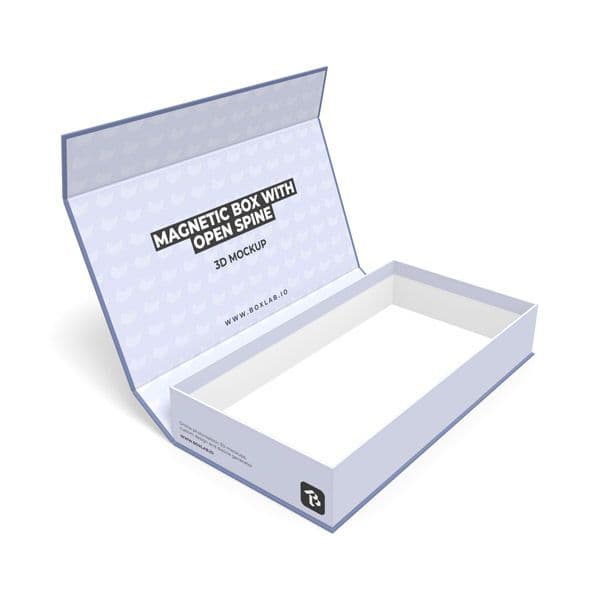
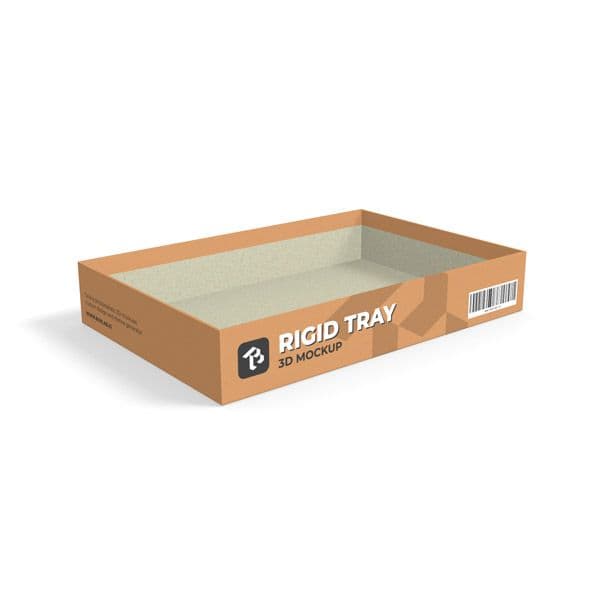
BoxLab:BetterThe folded box with your design on it, a slider that folds the blank and one for each flap, light, soft shadow and backdrop
Templatemaker:NoNone: a flat preview of the template
Artwork
BoxLab:BetterBuilt in: text, shapes, pictures, QR codes and barcodes on both faces of the blank
Templatemaker:NoAdded afterwards in a vector editor of your own
Finishes
BoxLab:BetterPrint, hot foil or UV varnish chosen for each object; foil and varnish are saved as spot colors in the PDF
Templatemaker:NoNone: there is no artwork in it
Files
BoxLab:PDF, DXF and SVG at 1:1; pictures and 3D files as well
Templatemaker:PDF, SVG, DXF, PNG and JPEG, and formats for Cricut, SignCut and LightBurn cutters
Additional design tools
BoxLab:More than 40 extra tools in BoxLab Tools, all included in the same subscription: patterns, nesting, imposition, barcodes, PDF preflight, mockup textures and more
Templatemaker:Three small side tools, free like the site itself: Motifator, Number Grid and Single Line Text
Price
BoxLab:A free plan; full access at $80 a year
Templatemaker:BetterFree, kept by ads and donations; its licence does not allow reselling the templates as digital files
Made for
BoxLab:Designers, brands and converters who need a correct dieline and a picture of the box the same day
Templatemaker:Papercraft, package design, learning materials and decoration
Why choose BoxLab
- The box is made from real board, where thickness changes every panel.
- A printer or a converter asks for a FEFCO or ECMA style.
- You need the artwork in place, a 3D picture, or a sheet layout.
When Templatemaker is the better tool
- You make a gift box, a paper model or a classroom project.
- You cut on a Cricut or a laser at home and want a file made for it.
- You want it free, with no account at all.