BoxLab vs Origami
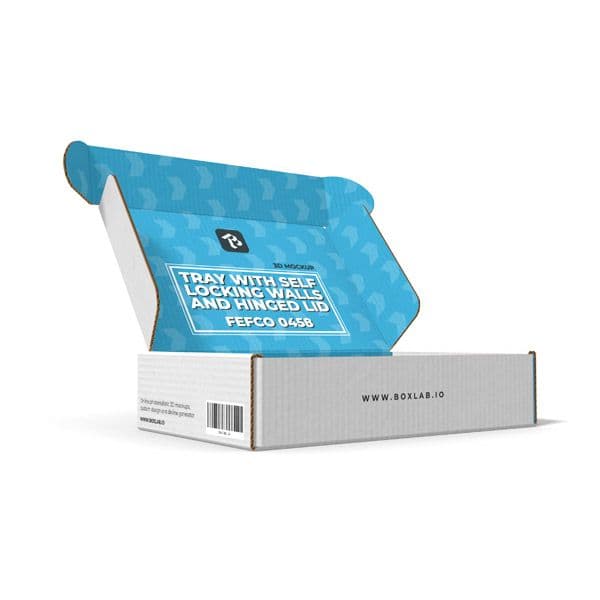
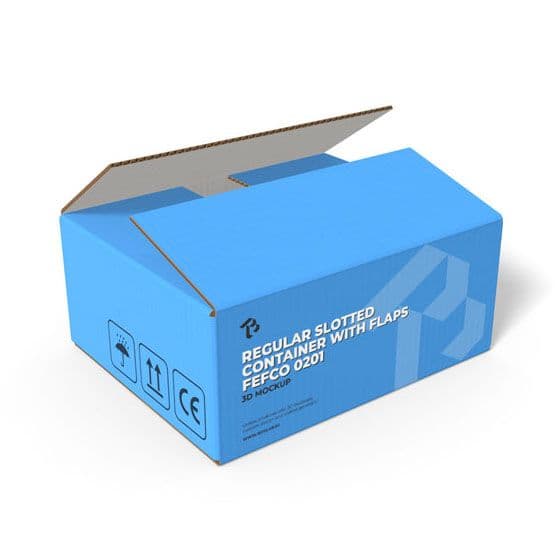
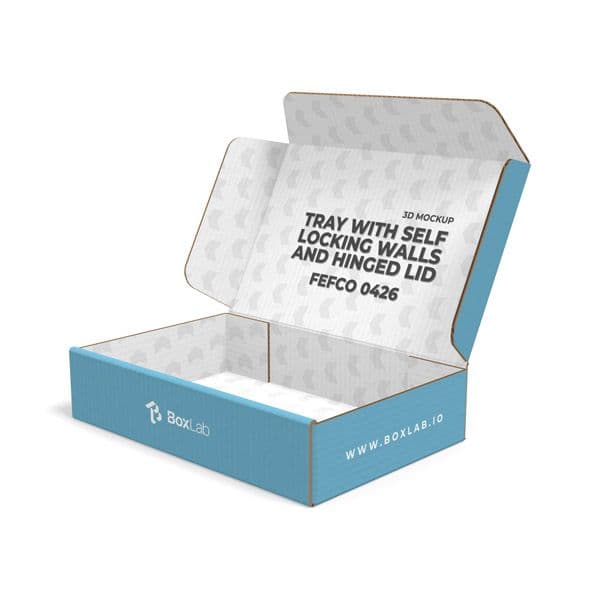
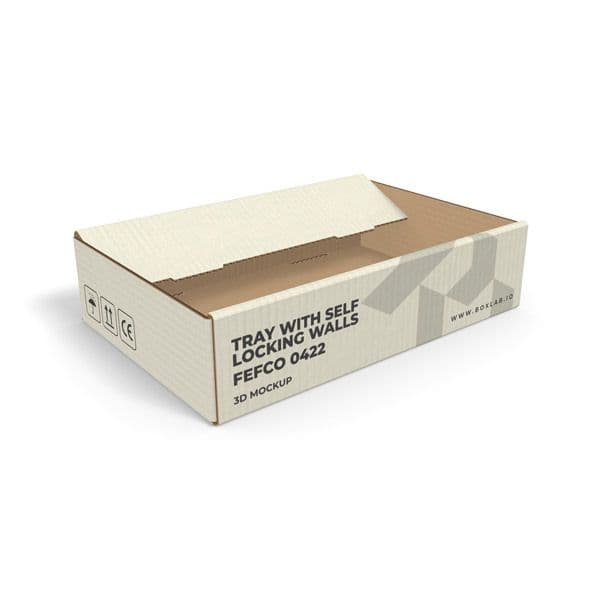
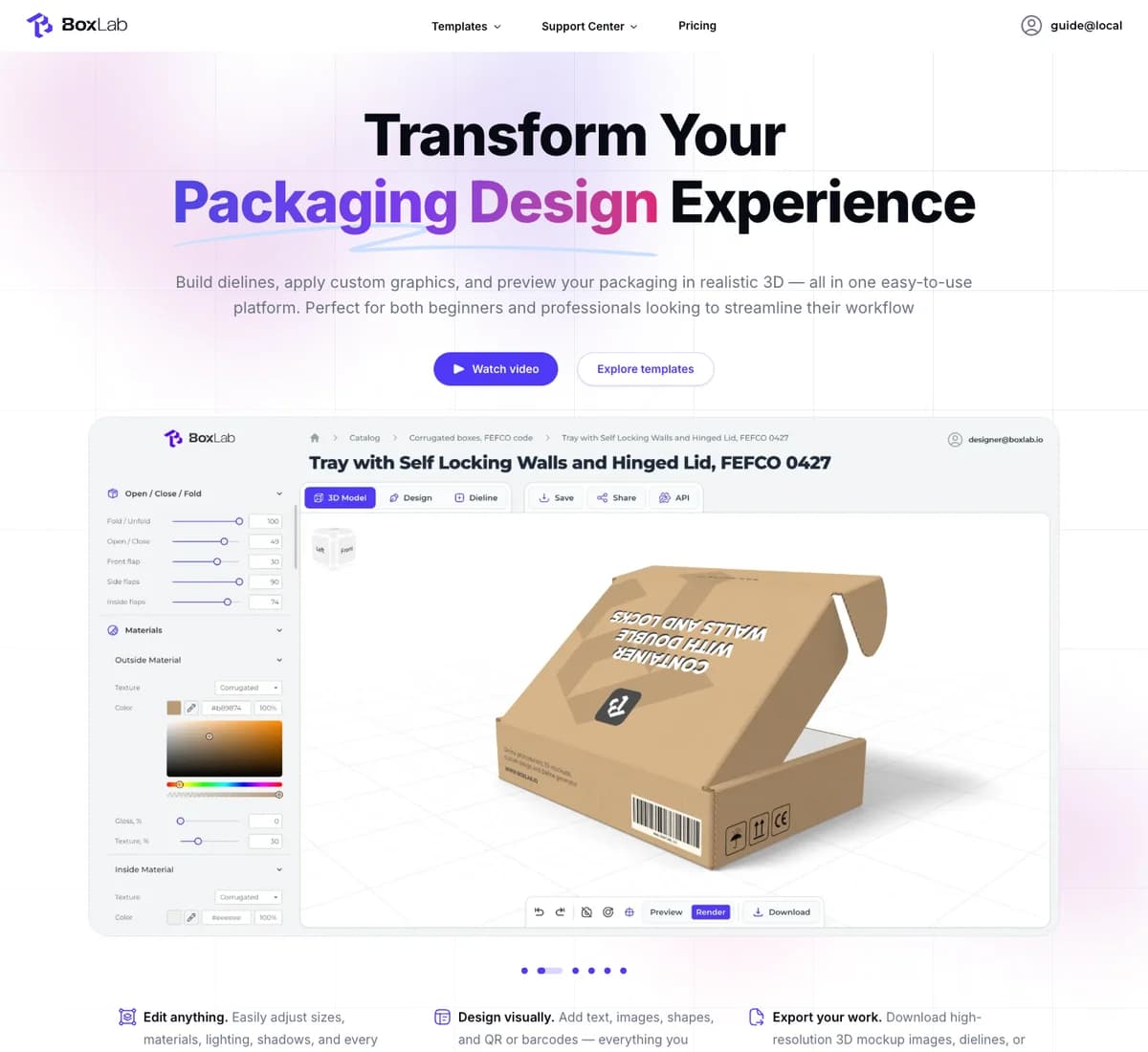
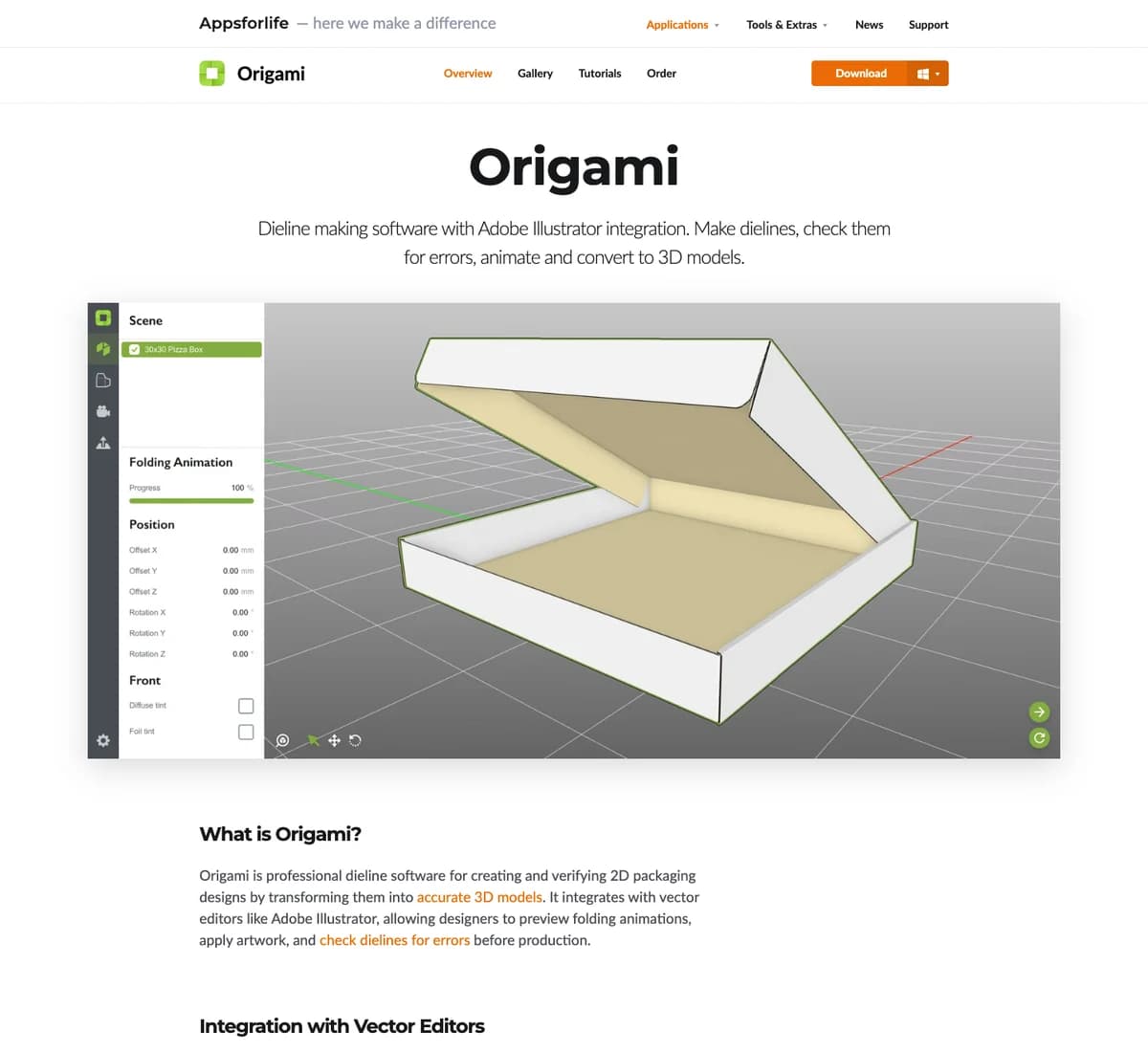
Origami folds a dieline that you draw yourself in a vector editor. BoxLab starts earlier and goes further: the dieline, the design and the 3D box in one browser page, with nothing to install.
BoxLab
Origami
BoxLab Pricing
$80a year
Full access for a year, with a free plan to start on.
Origami Pricing
$349once
Per user, with one year of updates; each further year of updates is $199.
Ease of use
BoxLab:In the browser, from a ready style: sizes, design and the 3D box on one page, with nothing else to learn or install.
Origami:An installed program that needs a dieline drawn in a vector editor, and the artwork made there too.
Render quality
BoxLab: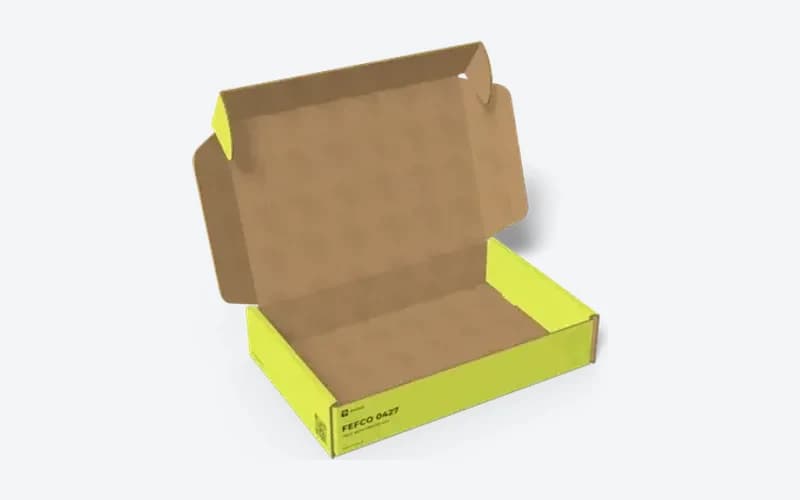
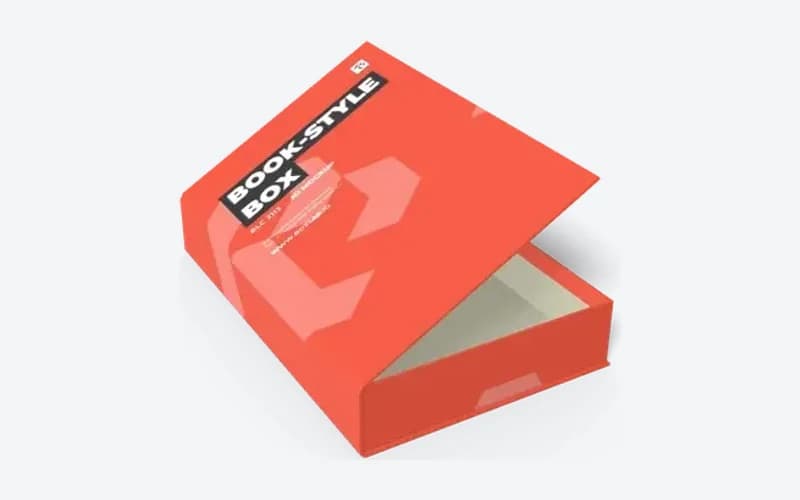

Origami: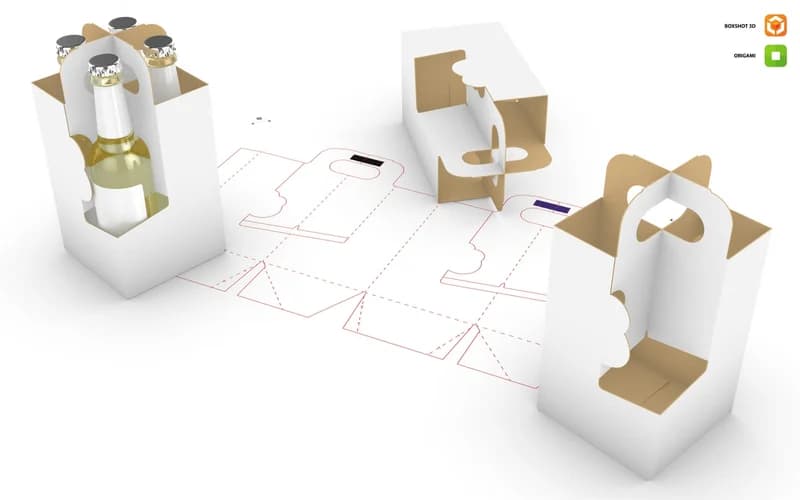
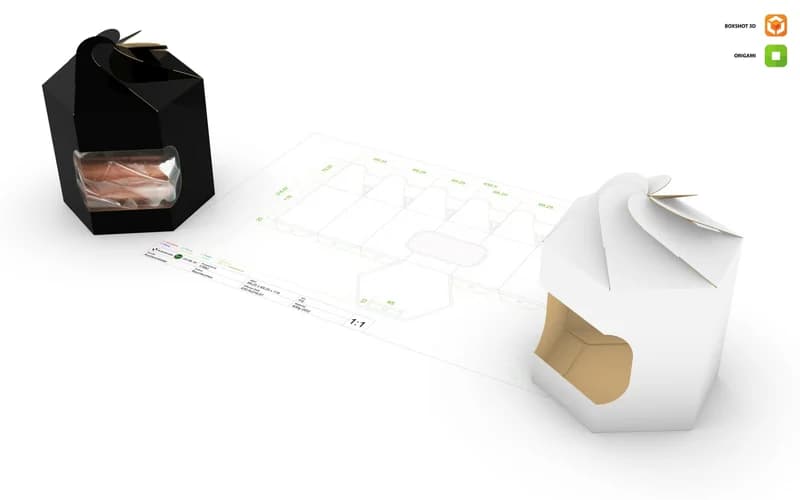
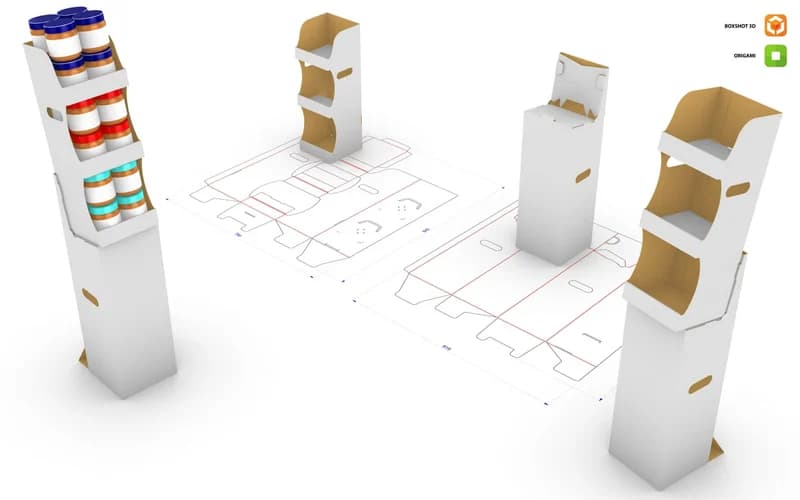
What it is
BoxLab:Online packaging editor: a dieline drawn to your sizes, a design editor and a 3D view on one page
Origami:Dieline making software with Adobe Illustrator integration: make dielines, check them for errors, animate them and convert them to 3D models
Where it runs
BoxLab:BetterIn the browser, nothing to install
Origami:An application for Windows and macOS; live editing through Adobe Illustrator or another vector editor
Where the dieline comes from
BoxLab:About 1,500 templates: 320 FEFCO and 244 ECMA styles, 100 rigid boxes, 51 paper tubes, 285 plywood models, 281 printing items and 175 ready-made packs. Your own dieline cannot be loaded
Origami:Your own drawing, or its online generator of popular ECMA and FEFCO layouts, open while the licence’s year of updates runs
3D view
BoxLab:The folded box with your design on it, a slider that folds the blank and one for each flap, light, soft shadow and backdrop
Origami:Folding simulation with a folding order you set, paper thickness and flute direction, and a built-in renderer
Artwork
BoxLab:BetterBuilt in: text, shapes, pictures, QR codes and barcodes on both faces of the blank
Origami:Comes from your vector editor, on both sides of the paper, with foil by a spot color
Finishes
BoxLab:Print, hot foil or UV varnish chosen for each object; foil and varnish are saved as spot colors in the PDF
Origami:Foil, varnish and emboss, set by spot colors in your vector editor
3D model files
BoxLab:GLB, USDZ, OBJ and STL
Origami:glTF, OBJ and Collada, a stand-alone HTML page with the model, and scenes for Boxshot
Sheet layout
BoxLab:BetterBlanks laid out on a sheet of your size, saved as PDF, DXF or SVG
Origami:Not statedon its site
Additional design tools
BoxLab:BetterMore than 40 extra tools in BoxLab Tools, all included in the same subscription: patterns, nesting, imposition, barcodes, PDF preflight, mockup textures and more
Origami:Not included: other Appsforlife programs, such as Boxshot and Barcode Generator, are sold separately
Price
BoxLab:BetterA free plan; full access at $80 a year
Origami:$349 once per user, with a year of updates; $199 a year after that; a free demo
Why choose BoxLab
- You do not have a dieline yet and want a standard one at your sizes.
- You want to design on the dieline without Illustrator.
- You need a sheet layout, or prefer a browser to an installed program.
When Origami is the better tool
- You already draw your own dielines and want to prove they fold.
- You work in Illustrator and want the 3D model to follow the artwork live.
- You render in Boxshot, or want to pay once rather than subscribe.