A cloud has no outline.
Nor has a vein so neither is drawn
There is nothing to trace on a cloud — no edge, no fill, no stroke — and a marble vein is worse: it branches, loops and dies out, and no two are alike. Here the page is a field instead: how much of something is at each point, and what colour that leaves. Skies and stone come off the same arithmetic, at your trim size, at your resolution, from a seed you can come back to. Free, in full. No sign-up.

- Free, no account.
- Every sky, every colourway and every file is free from the first open — no sign-up, no credits, no watermark.
- Nothing is uploaded.
- The whole picture is worked out in your browser. Nothing is sent anywhere and nothing is stored.
- Not a stock photograph.
- Nobody else's sky, no licence to read, and the same seed gives you the same page again next year.
- Millimetres, not pixels.
- The page and the cloud are real sizes, and the resolution is a separate question the panel asks plainly.
- Room for the headline.
- The clearing raises the level the cloud is cut at, so the sky loses clouds there instead of going pale.
- Files that state their size.
- PNG and JPEG carry their resolution; the PDF carries the trim and bleed boxes. No placing at 96 dpi.
What it makes
Two subjects, one engine, and every card below is a page of it
Real output at the size of the card — three of the sky, three of the stone.
Cumulus
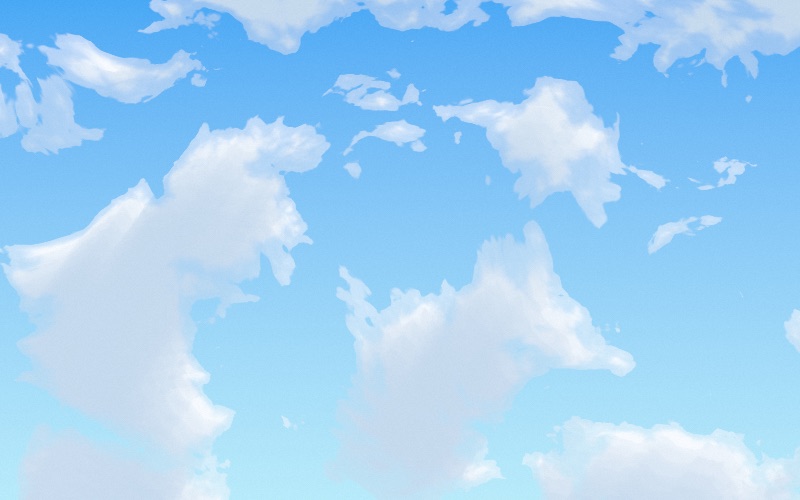
- Rounded lobes with clear sky between
- Cauliflower edges from a ridged field
- Lit tops, shaded undersides
- The one most jobs are asking for
Cirrus
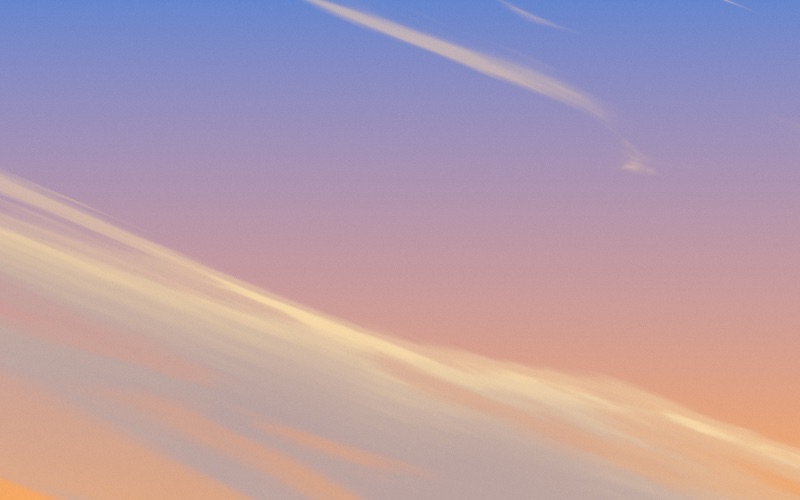
- Ice, pulled out by a wind
- Feathered by erosion turned right up
- Stretched up to twenty times along one axis
- Leaves most of the page clear
Inside the cloud
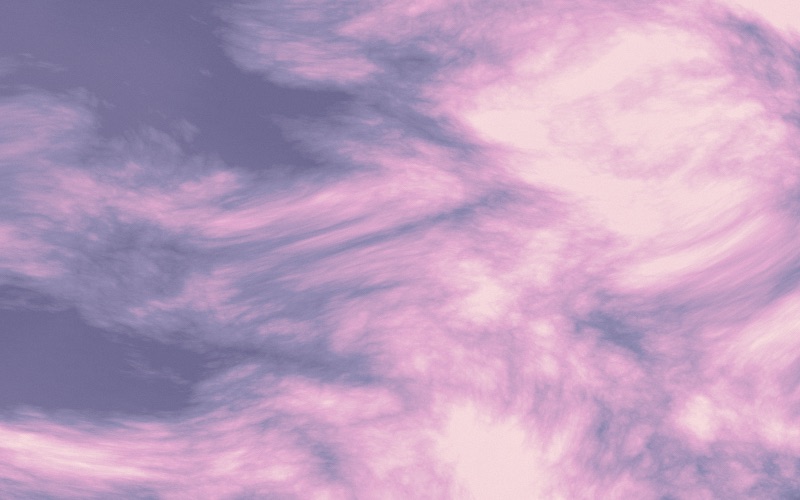
- No sky behind it — you are in the middle of it
- The whole tonal range spent on colour, not on an edge
- Four inks deepest to lightest, and the hue turns
- Where a stock photograph or a diffusion model gets used
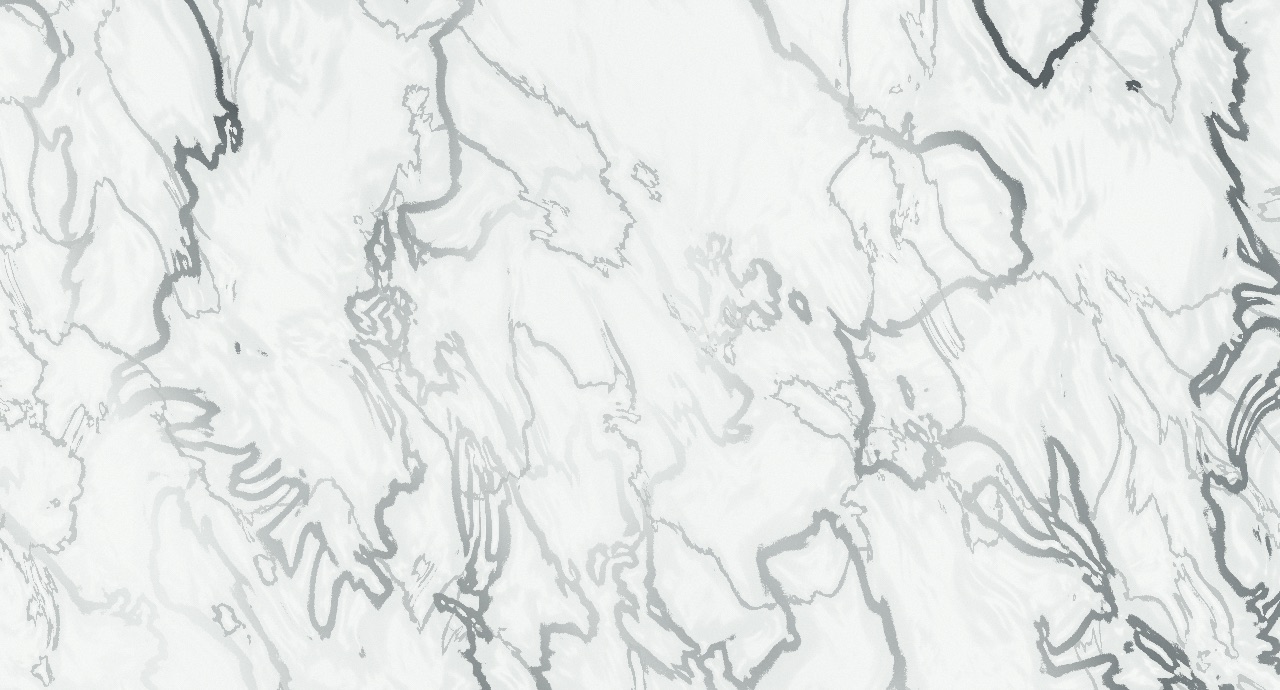
Carrara
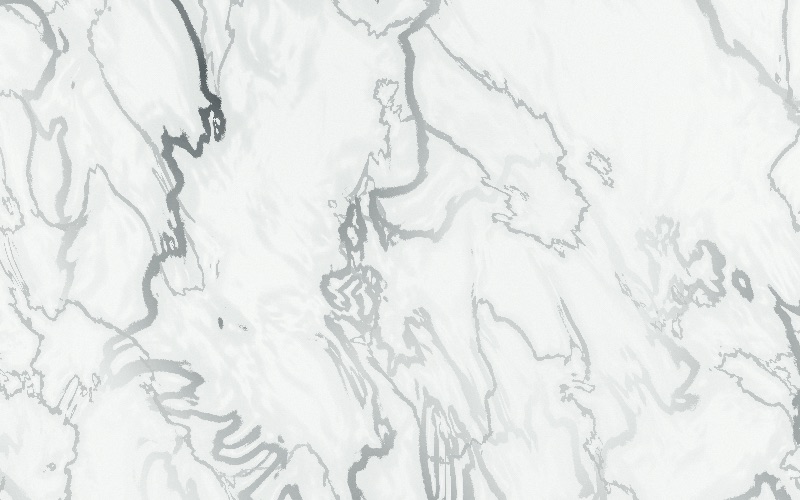
- Soft grey feathering, widely spaced
- A vein is as wide as you say, in millimetres
- It branches and loops because a level set does
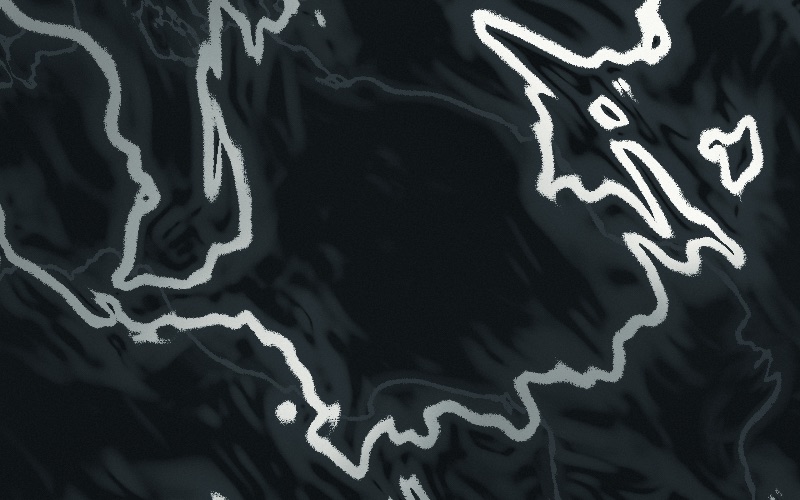
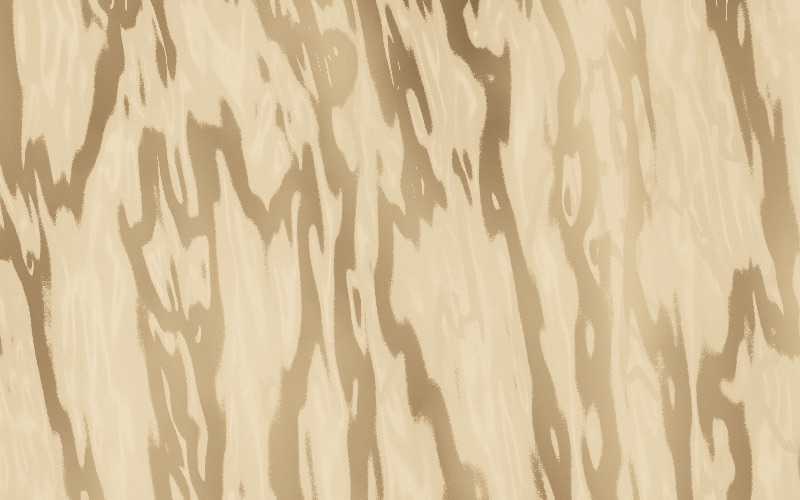
- Six stones, from Calacatta to Breccia
What it can do
Everything the panel holds
The whole of it, so nothing has to be found by accident.
Cloud
- Two views of one field: from under the cloud, or from inside it
- Five named skies, and every dial still yours
- Coverage that is the true fraction of the page
- Erosion, billow and drift — the three that make it weather
- A real light walk through the density, not a blur
Stone
- Six stones, named after the quarries
- Veins are the level set of a field, so they branch and loop
- Vein width in millimetres, held wherever the field is steep
- A second finer network, as every real stone has
- Mottling in the body of the rock, under the veins
Ink and finish
- Eight sky colourways and eight stone ones, written in CMYK
- Every one carries a four-ink ramp, so the hue can turn along it
- Black only, which is one plate and the cheapest job there is
- Grain in millimetres, which also keeps gradients from banding
- A seed, so the same page comes back exactly
The page and the file
- Sixteen sheet sizes plus anything you type, with bleed
- Up to six mask shapes — fade, circle or panel
- 72, 150, 300 or 400 dpi, and the pixel count shown first
- PNG, JPEG, or a PDF with trim and bleed boxes set
- Nothing is uploaded: it is all made in your browser
How it works
Four steps, and the third is the one nobody else has
Set the page
Sheet size in millimetres and the bleed. Everything after this is measured against it.
Pick a subject
A sky or a stone, then one of the named presets, then move the dials. Everything is in millimetres.
Clear the room
Drag a panel, a circle or a fade where the type goes. The cloud thins away into it rather than stopping at a line.
Choose a resolution
The panel says how many pixels that is and roughly how large the file will be before you press anything.
What it is for
Where a made sky beats a bought one
Packaging
A ground for a carton at the exact trim — sky or stone — with the panel already cleared where the logo goes.
Large format
A three-metre banner at 150 dpi is a file you can actually make, and it is generated at that size rather than blown up.
Drinks and dairy
The sky above the field, in the house colours, on every SKU in a range and the same one each time.
Labels
Small sizes want a small sky: set the cloud to 20 mm and it reads at label scale instead of turning into fog.
Surfaces and interiors
Marble for a mock-up, a display or a printed laminate, at the size of the panel rather than tiled from a swatch.
One-colour print
The mono colourway is a single plate, which is what newsprint, kraft and rubber stamps can actually hold.
Questions
The ones worth answering
Is this AI?
No. It is arithmetic: a noise field, a threshold and a light calculation, all written out in the source. That is why the same seed gives the same sky twice, why it can be made at any size, and why there is no question about who owns the result.
Can it write CMYK?
Not honestly, and it does not pretend to. A browser canvas is sRGB, and separating a photographic image faithfully needs the output condition's ICC profile, which is your printer's choice to make. The files are RGB with their resolution stated; your RIP converts them. Flat artwork is a different matter — Patterner writes real CMYK, because it is vector.
What is the inside view for?
The soft pink-and-violet cloud fields people generate with a diffusion model and use as a backdrop. There is no sky in those and no cloud edges — you are in the middle of the water, and what carries the picture is the colour turning as the light goes. It is the same field as the sky view and the same dials shape it; what changes is that nothing is cut at a level and the tone is read through a ramp of four inks instead of being composited over a sky. Which means you get it at your trim size, at your resolution, with a seed you can come back to.
How is the marble made?
A vein is the zero line of a smooth field. That sounds abstract and it is the whole reason it works: the level set of a two-dimensional function is already a set of closed, branching, irregularly spaced curves, so the branching and the loops come free rather than being drawn. The width is held in millimetres by dividing by the field's own gradient — without that a vein swells to a stain where the field is flat and vanishes where it is steep, which is what makes most generated marble look like a coffee ring.
Why is there a resolution setting at all?
Because a raster has no size until somebody names one. 300 dpi is what a press wants for continuous tone; 150 is right for large format, where doubling the figure quadruples the file for nothing you could see from where the poster is read.
How is the clear area different from a white box?
A white box covers a cloud, and turning a cloud's opacity down only makes a paler cloud in the same place — the structure does not change, which is the giveaway. This raises the level the cloud is cut at instead, so the sky there simply has fewer clouds in it: the small ones go first, the big ones draw back towards their cores, and every cloud still standing is at full weight and fully lit. Nothing is covered and nothing is faded.
Can I get the same sky back later?
Yes, if you keep the seed and the settings. Nothing is random at render time. It is also why a range of six SKUs can share one sky and differ only in size.
Why is a big page slow?
A B1 sheet at 300 dpi is ninety-nine million pixels, and each one is a field lookup plus a walk towards the light. It is rendered in bands so the page fills in front of you rather than freezing the tab, but there is no getting round the arithmetic.
Is anything uploaded?
No. There is nothing to upload — the sky is made from a seed and a page size, in your browser, and the file is written there too.
Make a page for the trim you actually have
Pick a sky or a stone, clear the room for the type, and take the file at the resolution you need.